Securing your WordPress website: how to help prevent a hack
WordPress powers a large share of all websites worldwide. That very popularity makes it a popular target for hackers. No website can be made one hundred percent secure, but you can significantly reduce the risk of a hack. In this article we explain which measures genuinely help, in plain language.
A hacked website is no small inconvenience. It can cost you clients, damage your reputation and take you offline for days. For a business that depends on its website, that is a serious risk.
The good news: most hacks do not happen through advanced attacks, but through simple weak spots you can cover. With the right measures you make your WordPress website a far less attractive target. Important upfront: nobody can guarantee one hundred percent security, and anyone who promises that should make you suspicious.
Why do WordPress websites get hacked?
It is rarely personal. Most attacks are automated: software scans the internet for websites with known weak spots and attacks where it can easily. This is the same for a local business and an international one.
Common reasons a site gets hacked:
- outdated WordPress versions, themes or plugins
- weak or reused passwords
- plugins from an untrustworthy source
- no protection on the login page
- hosting that is not in order
Hackers look for the easiest way in. Many of the points above are exactly the things that good website maintenance covers. Security is therefore not a one-off action, but an ongoing part of management.
Two WordPress sites from our own work
Two examples from our own work show how this plays out in practice. We do not name anyone.
A business owner we are friends with had a WordPress website that got hacked. We did not rebuild that site in WordPress, but replaced it with a static site: a website with fixed pages, without a content management system or plugins behind it. So no WordPress runs there any more.
With a client the problem was somewhere else. The server software the WordPress site ran on, PHP, was so outdated that the plugins could no longer update. A plugin that cannot update stays stuck on the version it has.
In the hosting control panel we brought the PHP version up to 8.3. To do that, we first had to relax a setting that was blocking the switch. After that, the plugins could update again.
The second example shows that updating does not always happen by itself: sometimes the blockage is not in WordPress, but in the server underneath. That is why the list below starts with updates.
1. Keep everything up to date
This is the most important and most underestimated measure. Updates of WordPress, your theme and your plugins often patch known security holes.
Note:
- run updates regularly, not once a year
- remove plugins and themes you do not use
- only use plugins that are actively maintained
- test after a major update whether everything still works
An outdated plugin with a known hole is one of the most common causes of a hack. As soon as a hole becomes public, automated attacks actively scan for it. Updating is then literally a race against the clock.
Many business owners postpone updates out of fear that something will break. That is understandable, because an update can indeed cause a conflict. But not updating is not a solution, it is postponing risk. The sensible approach is to run updates regularly and in a controlled way, ideally first in a test environment, with a fresh backup at hand. That way you combine security with the certainty that your website keeps working.
2. Use strong passwords and two-factor authentication
Weak passwords are an open door. Automated attacks try thousands of common combinations per minute.
What helps:
- use long, unique passwords for every login
- use a password manager so you do not have to remember them
- avoid obvious usernames such as admin
- turn on two-factor authentication for the login page
Two-factor authentication means that, besides your password, you need a second code, for example from an app on your phone. Even if someone guesses your password, they cannot simply get in. It is one of the most effective measures you can take.
3. Secure the login page
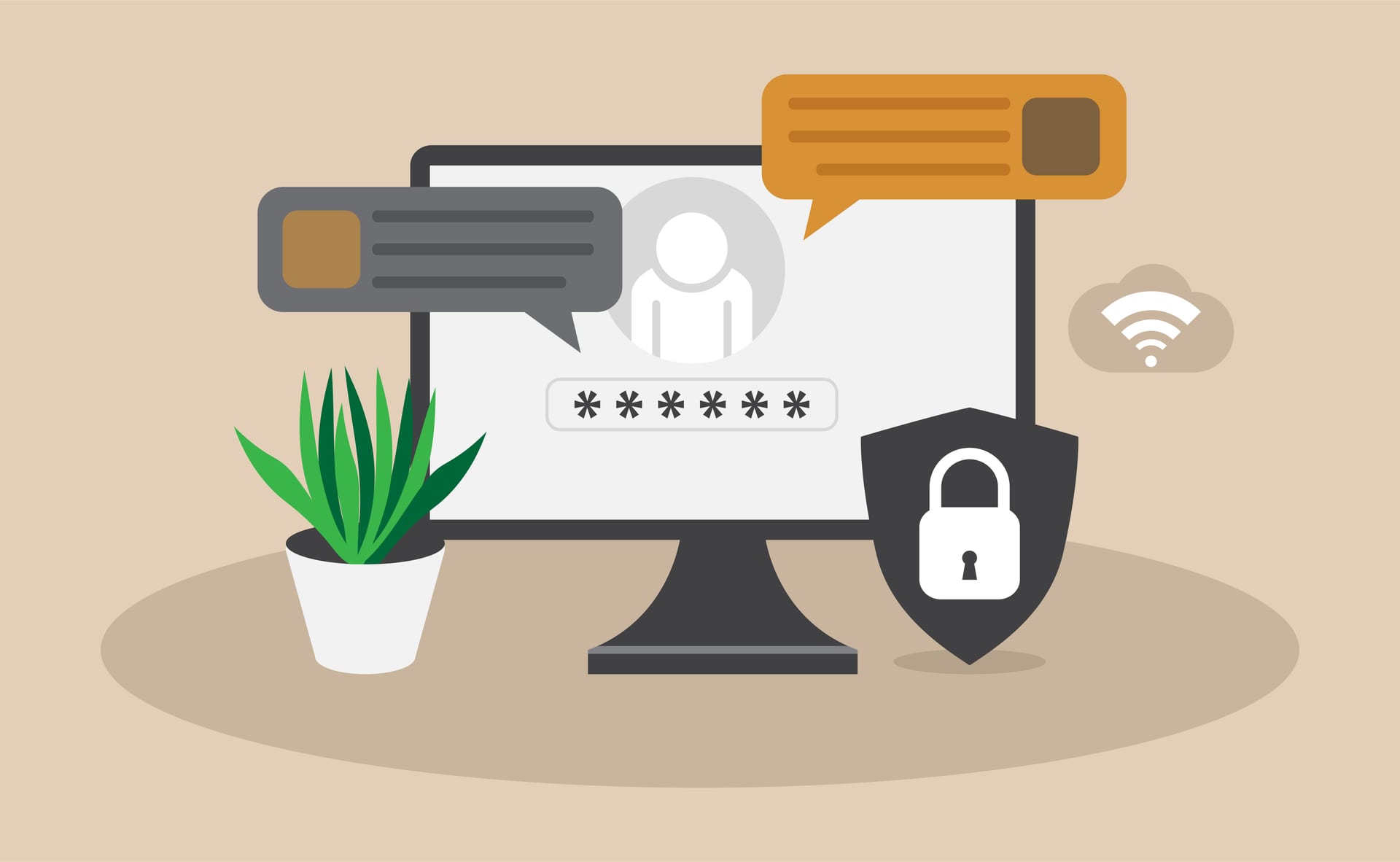
The default WordPress login page is known to everyone. That makes it a popular target for attacks where passwords are tried endlessly.
Ways to protect the login:
- limit the number of login attempts
- block suspicious IP addresses
- use two-factor authentication
- consider making the login URL less predictable
These measures do not stop every attack, but they make the automated, mass attempts far less likely to succeed. And it is precisely those automated attacks that make up the largest part of the threat.
4. Make regular backups
Backups do not prevent a hack, but they are your safety net if it does go wrong. With a recent backup you can quickly restore your website instead of having to rebuild everything.
A good backup strategy:
- makes backups automatically and regularly
- stores backups in a separate place, not only on your own server
- keeps multiple versions, not just the last one
- is tested, so you know that restoring actually works
Many business owners only discover that their backup does not work at the moment they need it. A backup you have never tested is no certainty. This is exactly why backups should be a fixed part of maintenance.
5. Use a security plugin with a policy
A good security plugin can help with monitoring, a firewall and blocking suspicious activity. But a plugin is no miracle cure.
What a security plugin can do:
- detect and block suspicious login attempts
- scan your website for known malware
- add a firewall against common attacks
- alert you to unusual activity
Choose a plugin that is actively maintained and set it up properly. But do not expect it to solve everything. Security is an interplay of measures, not a button you switch on. Too many or poorly configured plugins can even introduce new risks or slow things down.
6. Choose reliable hosting and an SSL certificate
Your website is only as safe as the place where it lives. Cheap, overcrowded hosting poses a greater risk, because a problem with a neighbour can affect you too.
With hosting, look for:
- regular security updates at server level
- isolation between websites on the same server
- support that responds quickly to problems
- a valid SSL certificate so traffic is encrypted
An SSL certificate (the padlock in the address bar) ensures that data between visitor and website is sent encrypted. It is a basic requirement these days, also for the trust of visitors and for your visibility in Google.
Cheap hosting looks attractive, but the saving is small compared to the risk. On an overcrowded, poorly managed server you share the space with hundreds of other websites. If a neighbour gets infected, that can affect you too. Reliable hosting with good isolation and fast support is therefore an investment in the security of your whole business, not just a technical detail.
7. Be critical of plugins and themes
Every plugin you install is a possible entry point. More plugins means more code, more updates and more risk. Many hacks start with a poorly maintained plugin.
Sensible rules:
- only install plugins you genuinely need
- choose plugins with many users and recent updates
- do not use cracked or free premium plugins from an unknown source
- remove what you do not use, instead of only disabling it
Cracked plugins and themes often contain hidden malware. The temptation to save money is understandable, but the risk is large. Modernising a website to a safer foundation can be wiser in the long run; read about that in our blog on modernising a WordPress website.
Common misconceptions about WordPress security
Stubborn myths persist around security. They give a false sense of safety, causing business owners to skip important measures.
Some commonly heard misconceptions:
- "My website is too small to be interesting to hackers." Incorrect: most attacks are automated and do not look at the size of your business.
- "I have a security plugin, so I am safe." A plugin helps, but does not cover everything and has to be maintained itself.
- "My host takes care of security." A host protects the server, but not your outdated plugins or weak passwords.
- "I have never had problems, so it must be fine." Many hacks go unnoticed for a long time, until the damage is large.
Security is not a matter of arranging it well once and then forgetting it. It is a combination of measures you keep current. Anyone who thinks a single step is enough is actually taking a risk.
What do you do if your website is hacked after all?
No measure offers one hundred percent certainty. If you do get hacked, stay calm and act quickly:
- take the website offline temporarily to prevent further damage
- change all passwords
- restore a clean backup from before the hack
- get help if you are not sure what you are doing
- investigate how it could happen and close that gap
Do not rush to put the site back online before the cause is found. Otherwise you simply get hacked again. This is a moment where a fixed point of contact for maintenance is worth gold.
Security is ongoing, not a one-off action
The most important message: security is not a button you switch on once. It is an ongoing process of updating, monitoring and adjusting. New holes appear constantly, so what is safe today can be a risk in a few months.
That is why security belongs with website maintenance. By arranging updates, backups and monitoring structurally, you reduce the risk without having to deal with it yourself every week. Also read why maintenance is more than just updates.
Want your WordPress website to stay secure without having to worry about it yourself? We include security in our maintenance: updates, backups, monitoring and acting quickly when needed. See our options for website maintenance or get in touch for advice about your situation.
Frequently asked questions
How do I secure my WordPress website against hackers?
The key measures are keeping everything up to date, using strong passwords and two-factor authentication, protecting the login page, making regular backups, choosing reliable hosting with SSL and being critical of plugins. No single measure offers one hundred percent certainty, but together they reduce the risk significantly.
Why do WordPress websites get hacked?
Usually not personally, but through automated attacks that scan the internet for known weak spots. Common causes are outdated software, weak passwords, untrustworthy plugins and hosting that is not in order. Hackers look for the easiest way in.
Which security plugin should I use?
Choose a plugin that is actively maintained and has many users, and set it up properly. A plugin can help with monitoring, a firewall and blocking suspicious activity, but is no miracle cure. Security is an interplay of measures, not a single plugin.
How important are updates for security?
Very important. Updates patch known security holes. An outdated plugin or WordPress version with a known hole is one of the most common causes of a hack. As soon as a hole becomes public, it is actively scanned for, so updating in time is essential.
How do I make backups and how often?
Make backups automatically and regularly, store them in a separate place away from your server, keep multiple versions and test whether restoring actually works. The frequency depends on how often your website changes; for a webshop, for example, more often than for a static website.
What should I do if my site is hacked after all?
Take the website offline temporarily, change all passwords, restore a clean backup from before the hack and investigate how it could happen before going back online. Get help if you are not sure what you are doing, so you do not get hacked again straight away.