Optimise your Google Business Profile for local visibility
When someone in your region searches for a service you provide, your Google Business Profile is often the first thing they see. Even before they visit your website. A well-filled profile is therefore one of the strongest levers for local visibility you have available for free.
Many business owners create a Google Business Profile at some point and then never look at it again. A shame, because it is exactly that profile that largely determines whether you show up on the map and in the local results when people search nearby.
A Google Business Profile, formerly called Google My Business, is the free listing through which your business appears in Google Search and Google Maps. It shows your opening hours, your address, your reviews and the route to your door.
In this blog we show you how to fill in that profile so you get found better by customers in Groningen, Drenthe and Friesland. Practical, step by step, and without unnecessary technology.
Why your Google Business Profile is so important
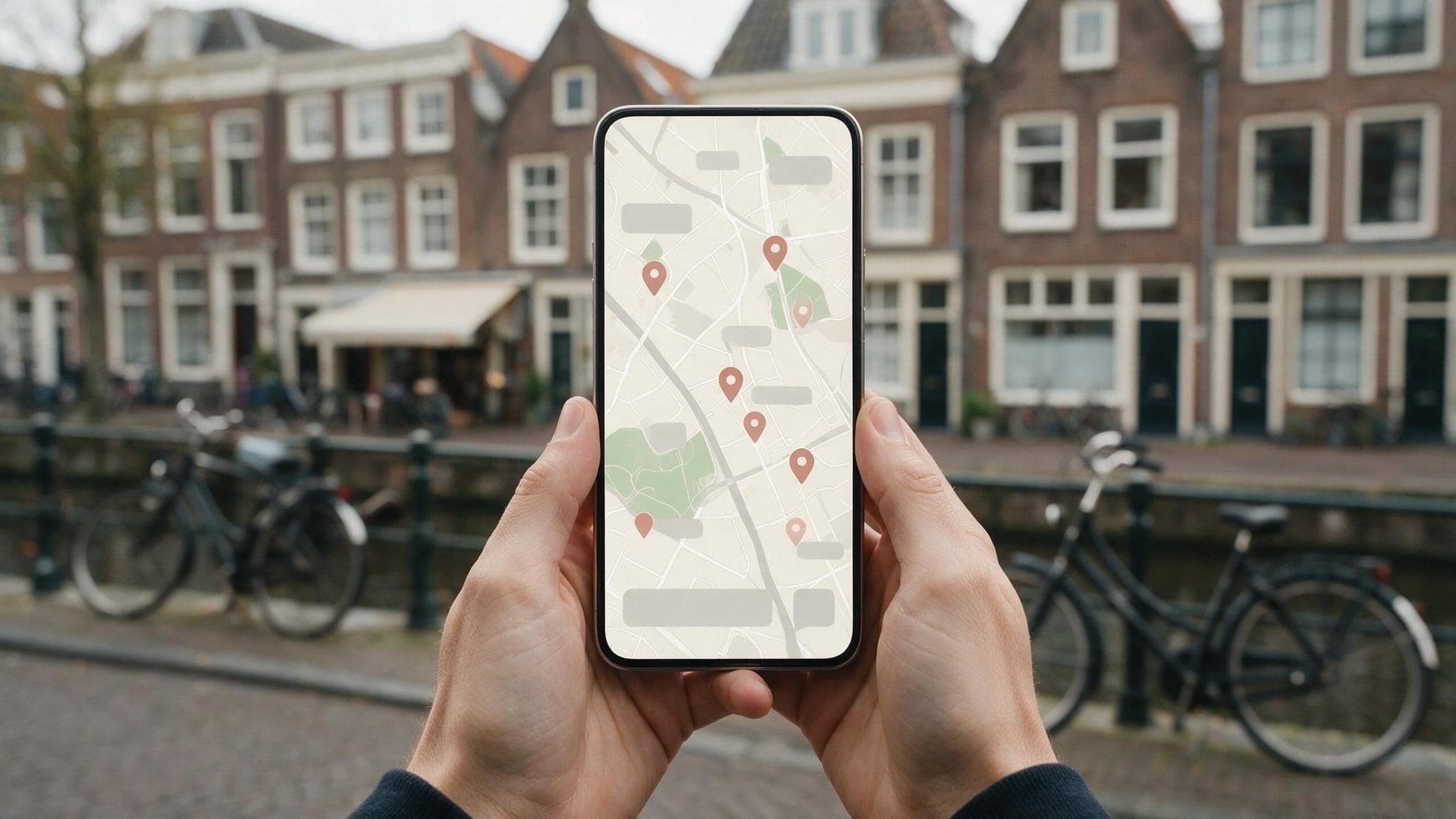
Whoever searches locally often sees a little map with three businesses at the top. That block is called the local pack. If you are among them, you are seen by exactly the people who are searching for your service in your area.
That is valuable traffic. Someone searching for "plumber Groningen" or "hairdresser Assen" has a concrete need and is nearby. The chance that such a person becomes a customer is high.
The nice thing is that a Google Business Profile is free and that you manage it yourself. You do not need an advertising budget to appear in those local results. Your profile does need to be complete, correct and up to date. Otherwise Google sooner chooses a competitor who has their affairs in better order.
How Google decides who ranks at the top locally
Google uses three main factors to rank local results. If you know them, you understand what to work on.
- Relevance. How well does your profile match what someone is searching for? A complete profile with the right category and description helps Google understand what you do.
- Distance. The closer you are to the searcher, the greater the chance you appear. That is why a correct address is so important.
- Prominence. How well known and trustworthy is your business? Reviews, mentions on other websites and an active profile all count here.
You have no influence over the distance to each individual searcher, but you do over relevance and prominence. That is where your gain is. The more complete and active your profile, the better Google can place you.
Fill in your details completely and correctly
The basis of a strong profile is complete, correct information. Google rewards profiles that are complete, and visitors drop off at missing or wrong details.
Check these points:
- your business name exactly as you actually use it
- your full address, or your service area if you have no visiting address
- your phone number and email address
- a link to your website
- your opening hours, including different times around holidays
- the date you started
Pay particular attention to your NAP details: name, address and phone number. These have to be exactly the same everywhere, on your profile, your website and any business directories. Differences in them, even small ones, make Google uncertain about which business you are. And uncertainty costs you positions.

Choose the right categories
Your main category tells Google in a few words what your business does. This is one of the most important fields of your entire profile, because it determines which searches you are eligible for.
Choose a main category that describes your core activity as precisely as possible. If you are an installation company, choose that category and not a vague catch-all term. The more specific, the better Google can match you to the right searches.
In addition, you can add extra categories for your other services. A beauty salon that also offers pedicures adds that as a second category. Do not overdo it here: only choose categories that genuinely fit you. A profile that claims everything comes across as less trustworthy and can work against you.
Collect and manage reviews
Reviews are one of the strongest signals for local visibility and for trust. People first look at your stars and then read a few reviews before getting in touch.
Actively ask satisfied customers for a review. Most people are happy to leave a review, but do not think of it themselves. Make it easy by sending them a direct link.
A few guidelines:
- ask at a natural moment, for example after a completed job
- respond to every review, including the less positive ones
- always stay friendly and professional in your reply
- never buy fake reviews, that is against the rules and risky
Responding to reviews shows that you are involved and actively manage your profile. Both the customer and Google see that. An honest reply to a critical review often does more good than ten perfect stars without any interaction.
Add good photos
Photos make your profile personal and trustworthy. A profile with good images demonstrably gets more attention than a bare profile without photos.
Think of images of:
- the outside of your premises, so people recognise you
- the inside or your workplace
- your team or yourself
- examples of your work or products
- your logo and a cover photo
Use sharp, honest photos that show how it really looks. Avoid stock photos that have nothing to do with your business. A recognisable photo of your facade also helps a customer find you more easily when they come by. Refresh your photos now and then, so your profile stays current.
Keep your profile active with posts and updates
Google values a profile that is alive. Through the posts feature you can place short updates, similar to a post on social media. Think of an offer, a new service, changed opening hours or news from your business.
These posts appear in your profile and show that you are active. That helps both your visibility and the trust of visitors.
You do not have to make this a full-time job. A post every few weeks is already enough to keep your profile alive. More important than the frequency is that the information is correct and relevant for your customers. Also keep your opening hours up to date, certainly around holidays. Nothing is as annoying for a customer as standing in front of a closed door while Google says you are open.
Connect your profile to a strong website
A Google Business Profile works best in combination with a good website. The profile makes you findable, your website convinces the visitor and turns them into a customer.
So make sure the link in your profile leads to a relevant, fast and clear page. If you refer to a slow or messy website, part of your visitors will still drop off. How to handle that, you can read in our blog about getting more customers from the same visitors.
Your website and your profile also reinforce each other in visibility. The same NAP details, local keywords and regional content on your website support the local signals of your profile. This is an important part of local SEO for SMEs in the north of the Netherlands, where profile and website do the work together.
Common mistakes that cost you visibility
A few mistakes keep coming back among local business owners. They are easy to prevent, but cost you positions if you leave them be.
- Incomplete details. A half-filled profile rarely ranks at the top.
- Different NAP details. A different phone number on your website than on your profile confuses Google.
- No reviews or never responding. A profile without interaction looks abandoned.
- Wrong or too many categories. Unclarity about what you do costs relevance.
- Outdated opening hours. This frustrates customers and harms your reliability.
- No photos. A bare profile inspires less trust.
Most of these mistakes cost you no money to fix, only attention. An hour per month to check your profile often delivers more than you think.
How it works together with your wider SEO
Your Google Business Profile does not stand on its own. It is part of your local visibility, alongside your website and your position in the regular search results. Whoever wants to be seriously found locally tackles those parts together.
A strong profile helps you in the map and the local pack. A well-optimised website helps you in the organic results below it. Together they increase your visibility at the moments customers in your region are searching. How that whole works for a business in the north, we explain in our blog about SEO in Groningen.
If you want to get to work on this purposefully, our SEO service can help you align profile, website and local keywords. That way you work on visibility that holds up in the long term.
Conclusion: a free lever you should not leave untouched
Your Google Business Profile is one of the few marketing instruments that are free, that you manage yourself and that have a direct effect on local visibility. Yet many business owners leave it untouched.
Fill in your profile completely, choose the right categories, collect reviews, add good photos and keep it current. Align it with a strong website and you have a local presence that stands out to exactly the customers you are looking for.
It mainly takes attention, not budget. And that is precisely why it is such a smart first step for every local business owner in the north of the Netherlands who wants to be found better.
Want to be found better locally in Groningen, Drenthe or Friesland? We are happy to help you align your Google Business Profile, your website and your local keywords. See what our Google Business Profile service can mean for your local visibility, or get in touch without obligation for a picture of what there is to gain in your region.
Frequently asked questions
How do I optimise my Google Business Profile?
Fill in all your details completely and correctly, choose the right main category, collect reviews, add good photos and place an update now and then. Keep your opening hours and NAP details exactly the same everywhere.
How does Google rank local results?
Google looks at three main factors: relevance (whether your profile matches the search), distance (how close you are) and prominence (reviews, mentions and an active profile). You have influence over relevance and prominence.
How many photos should I add?
There is no fixed number, but at least add a facade photo, your logo, a cover photo and a few images of your work or workplace. Use real, sharp photos and refresh them now and then so your profile stays current.
How do I collect and manage reviews?
Actively ask satisfied customers for a review at a natural moment and send them a direct link. Always respond to reviews, including critical ones, and stay friendly and professional. Never buy fake reviews.
How often should I update my profile?
A post or update every few weeks is enough to keep your profile active. More important is that your details and opening hours are always correct, certainly around holidays.
Does a Google Business Profile cost money?
No, a Google Business Profile is free to create and manage. You do not need an advertising budget to appear in the local results and on the map. It mainly takes attention to keep it complete and current.