Accessibility legislation 2025/2026: does your website have to comply?

Digital accessibility is rising up the agenda. From mid-2025, new European rules apply that should ensure more websites and webshops are usable for everyone, including people with a disability. For many business owners that raises a logical question: does my website actually have to comply with this? In this article we explain it in plain language.
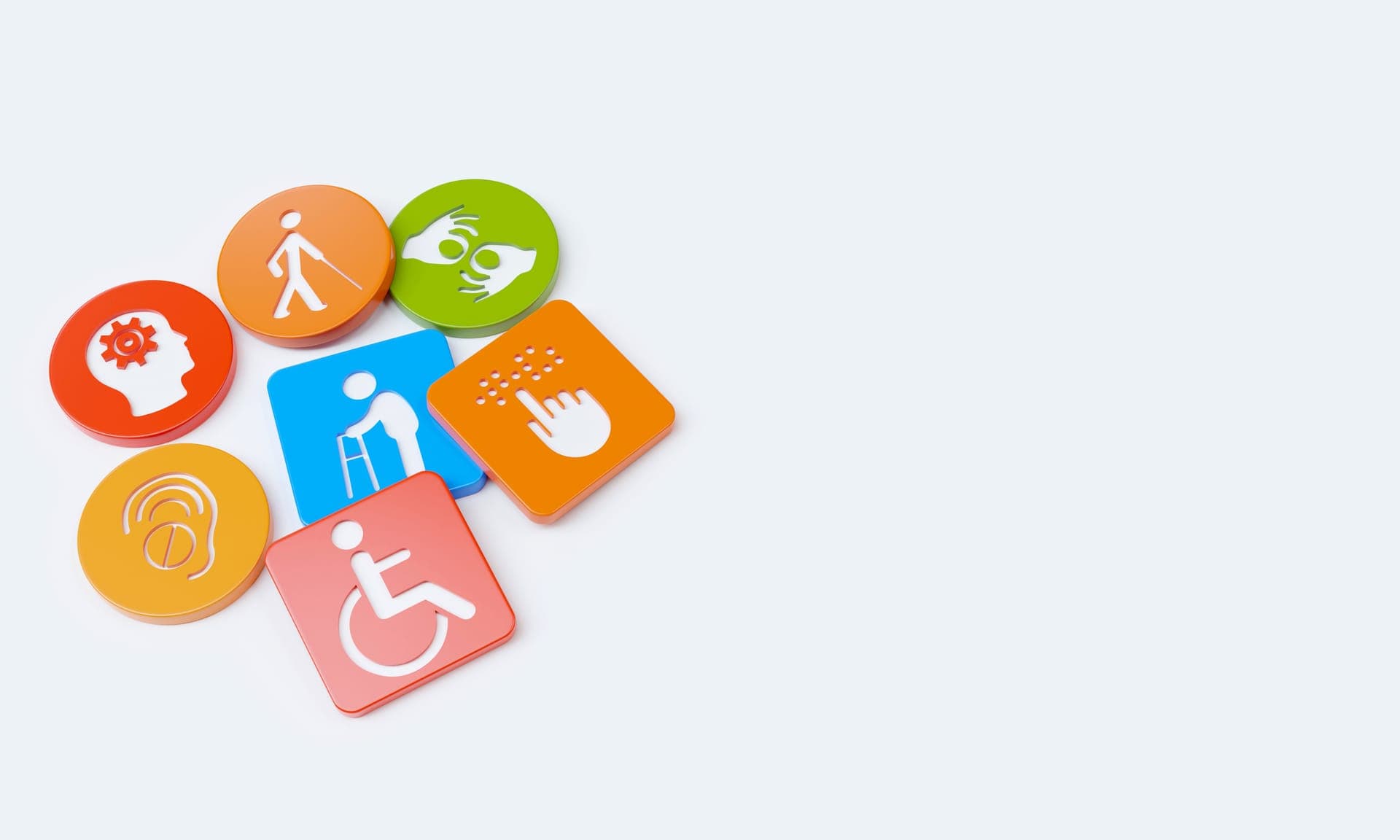
An accessible website is a website that everyone can use. Including someone who is partially sighted, uses a screen reader, is colour blind or cannot operate a mouse. So it is not about a special version for a small group, but about a website that works pleasantly for as many people as possible.
That sounds obvious, but in practice many people get stuck on websites. A button that cannot be reached with the keyboard, text that is too light to read, or a form without clear labels. For one person a minor inconvenience, for another a reason to drop off. New legislation is now putting pressure on this.
Which law is this actually about?
The most important development is the European accessibility directive, often referred to as the European Accessibility Act. That directive has been transposed into national legislation in the European countries and sets requirements for the accessibility of certain digital products and services.
The core is that more and more organisations have to make their digital services accessible. For governments that has applied for longer. The new rules extend this further, with a starting point from mid-2025. The exact details and dates can differ per situation, so for your specific case it is wise to consult the current, official sources. This article gives a practical overview, not legal advice.
Does your website have to comply?
This is the question most business owners have. A clear yes or no is hard to give, because it depends on what you do and who you supply. Still, there are a few guiding signals.
The chance that the rules apply to you is greater if:
- you have a webshop where consumers can buy
- you offer online services to consumers, such as bookings or subscriptions
- you are a larger organisation or provide services that are seen as essential
The chance is smaller, but never zero, if you have a small, purely informative website without online sales. Exceptions exist, for example for the very smallest businesses, but they are not set in stone.
In short: do you have a webshop or do you provide online services to private individuals? Then it is wise to take accessibility seriously, even if you are not sure whether the law affects you.
What is WCAG and why do you hear that term everywhere?
If you look into accessibility, you quickly come across the term WCAG. That stands for Web Content Accessibility Guidelines: an international set of guidelines that describes how to make a website accessible.
Legislation often refers to these guidelines as the practical benchmark. In other words: if you meet WCAG, you largely meet what the law asks for in practice.
WCAG works with levels, usually referred to as A, AA and AAA. The middle level, AA, is regarded as the common standard that most organisations aim for. You do not need to know the technology behind it. What matters is that your website meets a number of clear, checkable principles.
What does accessibility mean in practice?
Accessibility sounds abstract, but it comes down to a number of very concrete things. Many of them are simply good website practice too.
Some examples:
- Sufficient colour contrast, so text is clearly readable, including for the partially sighted.
- Operation with the keyboard, so someone without a mouse can use everything.
- Clear labels on forms, so a screen reader can read them out.
- Alt texts on images, that describe what is shown in an image.
- A logical heading structure, so the page is navigable.
- No information conveyed by colour alone, because not everyone sees colour the same way.
Notice it? Many of these points also simply make your website more pleasant and easier to find. A clear heading structure and good alt texts, for example, also help with SEO for existing websites.
Accessibility and webshops: extra points of attention
For webshops the requirements are often a bit sharper, because customers go through a purchase process there. And that process in particular should contain no barriers.
Think of:
- an ordering process that can be completed entirely with the keyboard
- clear error messages when filling in details
- buttons and links that are recognisable and usable for everyone
- a checkout process that also works on mobile and with assistive technology
An inaccessible webshop costs not only possible problems with the rules, but also revenue. Someone who cannot check out does not buy. In that sense accessibility is not a cost, but an investment in more customers. That is why we include it as standard when we build a webshop.

What is an accessibility statement?
Besides the website itself, the rules sometimes ask for an accessibility statement. That is a short text on your website in which you explain to what extent your site is accessible, which parts still need attention and how visitors can report a problem.
Such a statement has two advantages:
- it shows that you take accessibility seriously
- it gives visitors a clear point of contact if something does not work
You do not have to turn this into a complicated legal document. What matters is that the statement matches reality and that you update it as your website improves. Whether a statement is mandatory for you depends on your situation. For the current requirements, consult the official sources. We are happy to help you keep the text practical and understandable.
What if your website is not accessible now?
Many existing websites do not fully meet the accessibility guidelines. That is no reason to panic, but it is a good reason to have your site checked.
The consequences of an inaccessible website can be:
- you unintentionally exclude part of your visitors
- you may miss revenue in a webshop
- you may not meet future requirements
- you make a less professional impression
The good news is that many improvements can be done perfectly well on an existing website. As with privacy and cookies, the same applies: you do not always have to start over. Often targeted improvement is enough. Want to know which other rules apply around your website? Then also read our article about the cookie notice and the GDPR.
How to tackle accessibility step by step
Accessibility does not have to be an unmanageable project. With a targeted approach you can get a long way.
A logical order:
- Map where you stand now. An accessibility check shows which points need attention.
- Tackle the biggest barriers first. Contrast, keyboard operation and forms often deliver the most gain.
- Improve the structure and texts. Clear headings, labels and alt texts.
- Test with practice in mind. Can someone without a mouse use your site? Does a screen reader work?
- Keep it up. Accessibility is not a one-off action, but part of good maintenance.
This approach works both for a new website and for improving an existing one. The nice thing is that many of these steps also simply make your website better for all visitors.
Common misconceptions about accessibility
Around accessibility there are a few persistent misconceptions that unnecessarily put business owners off. It is good to clear those up.
- "Accessibility makes my website boring or ugly." Not true. An accessible website can look just as attractive and modern. It is about how something is built, not how it looks.
- "That is only for large companies." Not necessarily. Webshops and online services of smaller business owners can also fall under it, and being usable for everyone helps every business.
- "A special accessibility button solves it." Such a separate overlay widget usually does not really fix it. Accessibility sits in the foundation of the website, not in a button stuck on top.
- "It is a one-off job." Accessibility is something you keep up, just like security and speed. With every change you check whether it stays accessible.
By letting go of these misconceptions, accessibility suddenly becomes a lot more manageable: it is simply part of a well-built website.
Accessibility is good for everyone, not just for the law
It is tempting to see accessibility as a box to tick. But that sells it short. An accessible website is simply a better website.
What it delivers:
- more people can use your website, so more potential customers
- your website often becomes easier to find in Google too
- you make a professional, careful impression
- you are prepared for stricter requirements in the future
Accessibility and quality go hand in hand. A website that is built clearly, quickly and logically is almost automatically more accessible. That is why we prefer to build accessibility in from the start, rather than sticking it on afterwards.
Building it right the first time saves work later
As with privacy, the same applies: it is easier to do accessibility properly from the foundation than to rebuild an existing site entirely afterwards. With a new website we take contrast, keyboard operation, clear structure and good texts into account as standard.
Already have a website? Then we look at where the biggest barriers are and tackle them in a targeted way, often as part of regular website maintenance. That way you work step by step towards a site that works for everyone, without having to replace everything at once.
Want to know whether your website is ready for the new accessibility rules? With a new website or webshop we build accessibility in properly from the start. Already have a site? Then through website maintenance we look at where it can be better. Get in touch and we will look together at what your situation requires. For the official frameworks, consult the European Accessibility Act and the WCAG guidelines from the W3C.
Frequently asked questions
Does every website have to comply with the accessibility rules?
Not every website falls under the same rules. The chance is greater that the rules apply to webshops and online services to consumers, and to larger organisations. For small, purely informative websites, exceptions may apply. For your specific situation, consult the current, official sources.
What is the European Accessibility Act?
The European Accessibility Act is a European directive that sets requirements for the accessibility of certain digital products and services. The directive has been transposed into national legislation and has a starting point from mid-2025. The exact details can differ per situation.
What does WCAG mean?
WCAG stands for Web Content Accessibility Guidelines, an international set of guidelines for accessible websites. Legislation often refers to these guidelines as a practical benchmark. Level AA is regarded as the common standard that most organisations aim for.
Can I make an existing website accessible?
Yes, often you can. Many accessibility improvements, such as better contrast, keyboard operation, clear labels and alt texts, can be made on an existing website. You do not always have to start over, targeted improvement is often enough.
Does accessibility also help with visibility in Google?
Often yes. Many accessibility principles, such as a clear heading structure, good alt texts and a logical structure, also help with SEO. An accessible website is therefore often easier to find too.
Does accessibility also apply to webshops?
Yes, and there the requirements are often a bit sharper. The whole ordering process has to be usable, including with the keyboard and with assistive technology. An inaccessible webshop can cost customers and revenue, so it pays to take this into account from the start.